
How to cancel your Swing Catalyst subscription
Step 1: go to swingcatalyst.com and click Sign In at the top of the page.
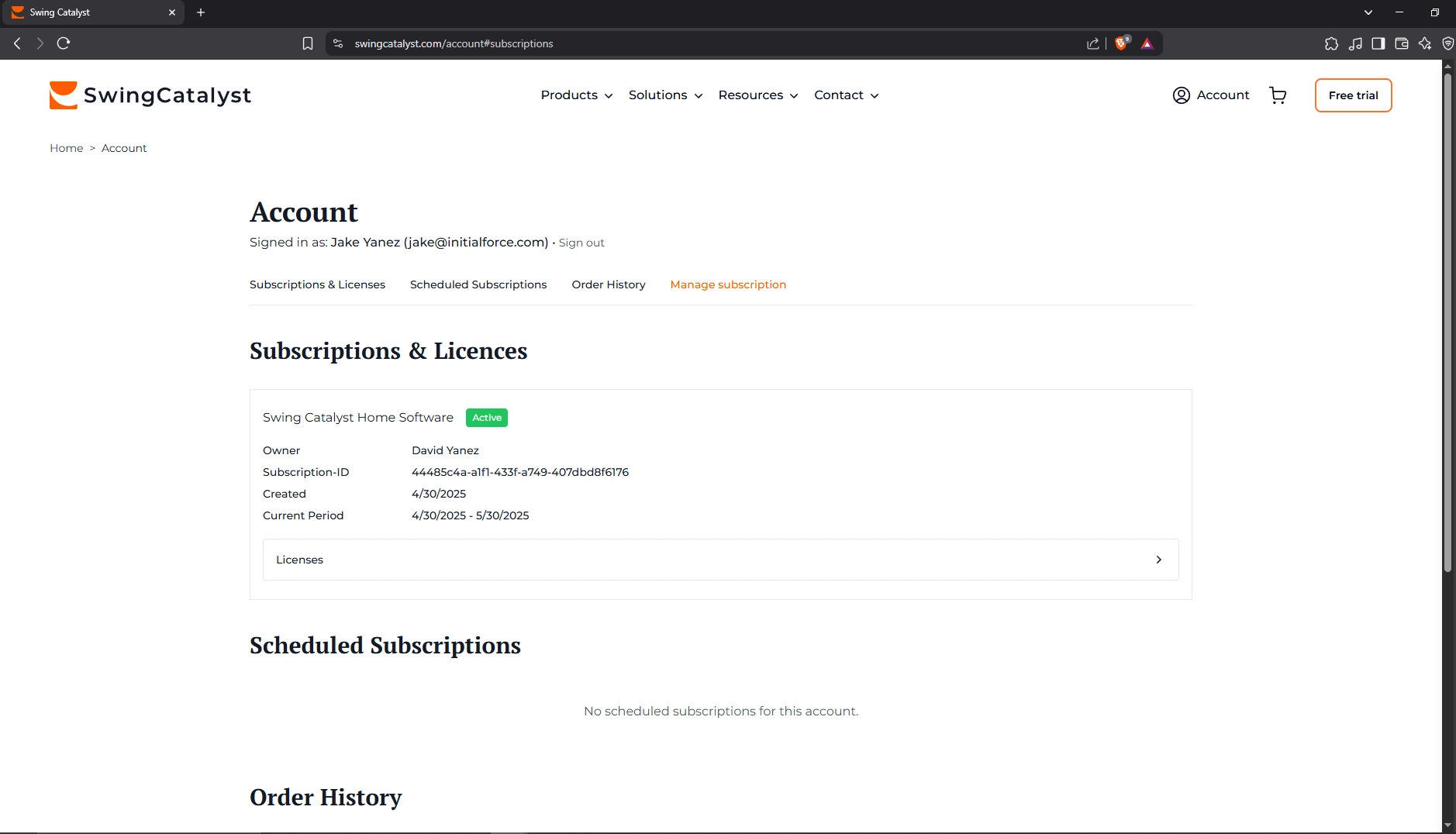
Step 2: sign in with the email address used when purchasing the subscription, then open Account.
Step 3: Click on Manage subscription
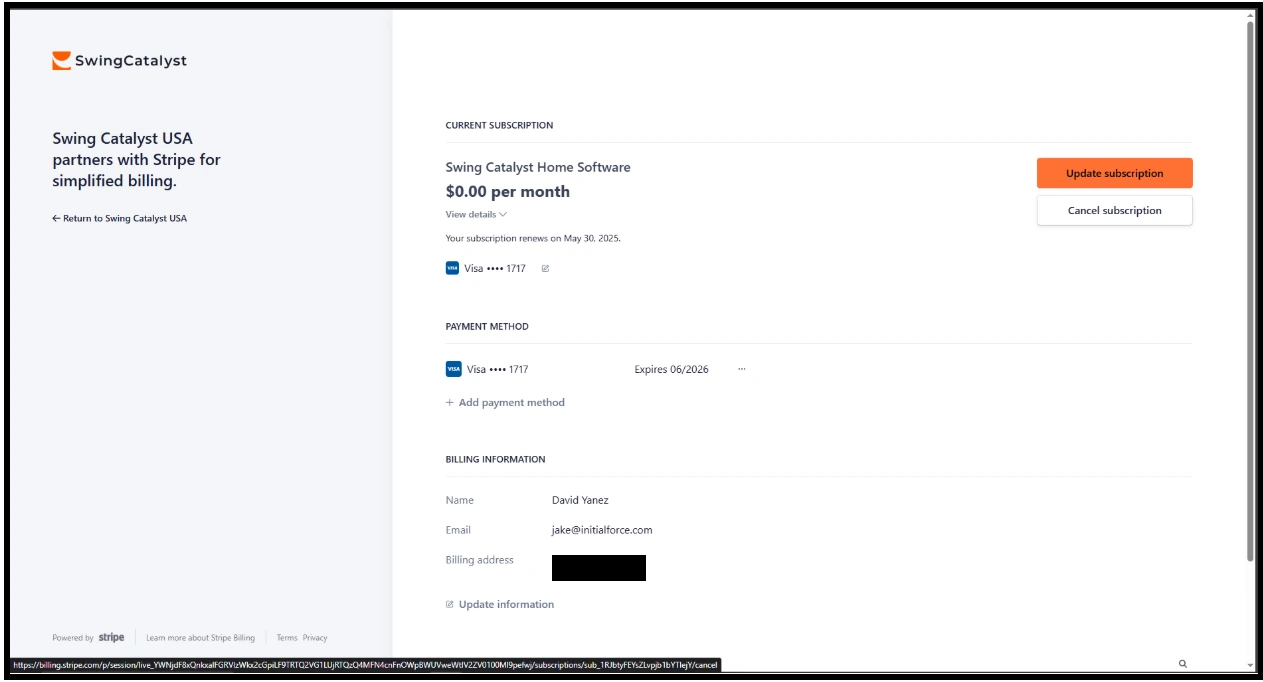
Step 4: Click on Cancel subscription
Step 5: Click on Cancel subscription once more and provide a reason
If you cannot find your subscription, contact support@swingcatalyst.com .
Last updated on