How to create Motion Catalyst shortcut
Motion Catalyst is also installed when installing Swing Catalyst. In this article we will explain how to add a Motion Catalyst shortcut to your desktop.
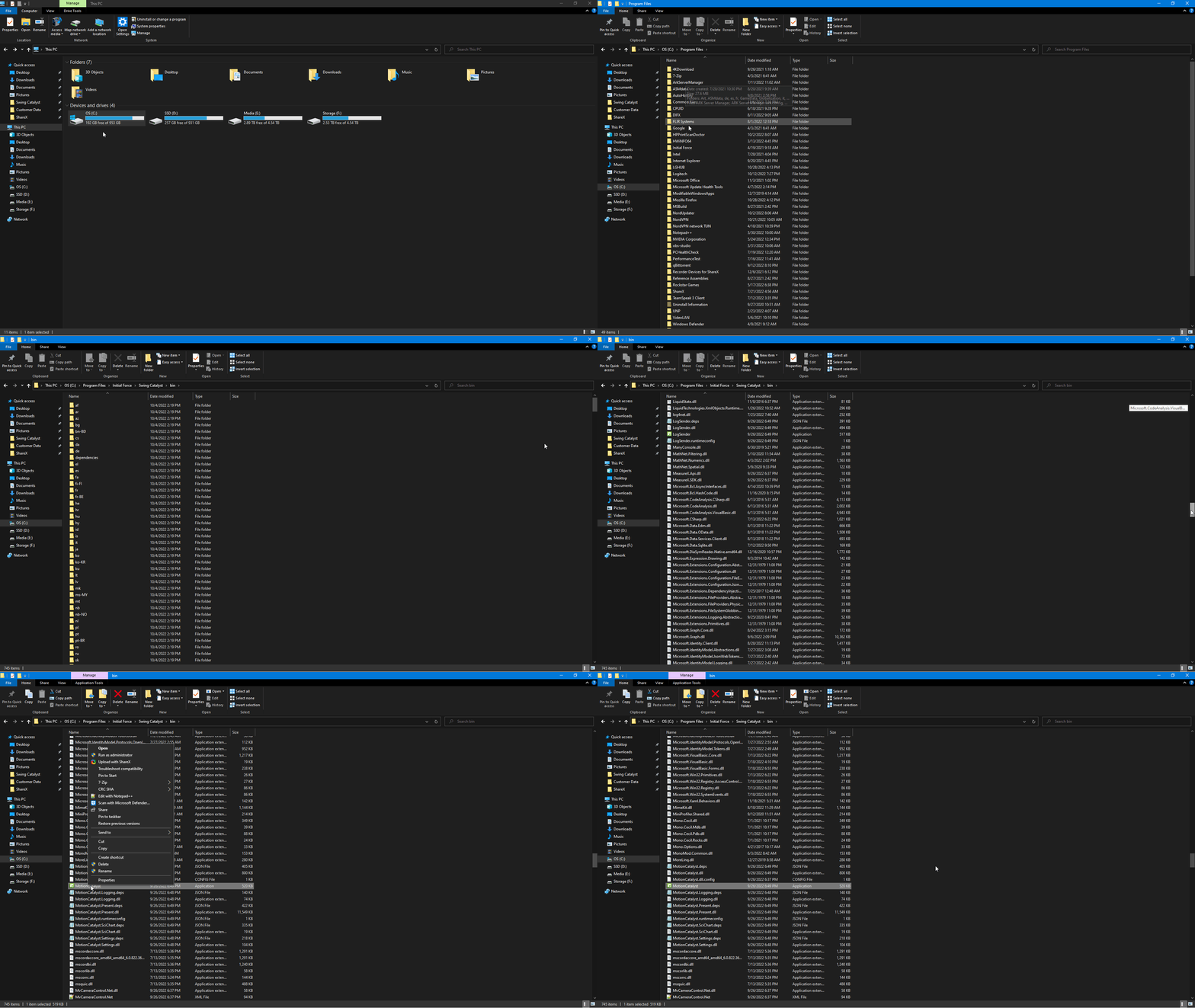
After installing Swing Catalyst, open Windows File Explorer (folder icon on your taskbar)
Navigate to C:\Program Files\Initial Force\Swing Catalyst\bin
In that folder you will find the Motion Catalyst application. Right click it.
Choose “Send to > Desktop (create shortcut)”
You should now have an icon for Motion Catalyst on your desktop.