
How to install a Balance Plate 3
Introduction
This support article will describe how to setup a new Balance Plate 3 for use with Swing Catalyst.
Requirements
Computer with a free USB port.
Swing Catalyst 7.1.8 or later for Balance Plate 3, and 9.3.0 or later for Balance Plate 3s.
Installation
For installation details please refer to the attached PDF at the bottom of the article.
This article covers Balance Plate 3 and Balance Plate 3s.
Only looking to run a field calibration of your plate? Click here
Warning
Some issues have been seen with AMD 300-Series chipsets (AMD Ryzen 1700 / 2700 series ) with USB 1.1 devices. Specifically with the Balance Plate, where you only get 75 samples per second instead of ~145 samples per second. We recommend using a USB 2.0 hub which will allow the Balance Plate to stream at full sample rate.
There are no known issues as far as using the AMD 300 series chipsets with USB 3.0 devices.
Driver Installation
- Swing Catalyst installs the Balance Plate driver for you when you first install it.
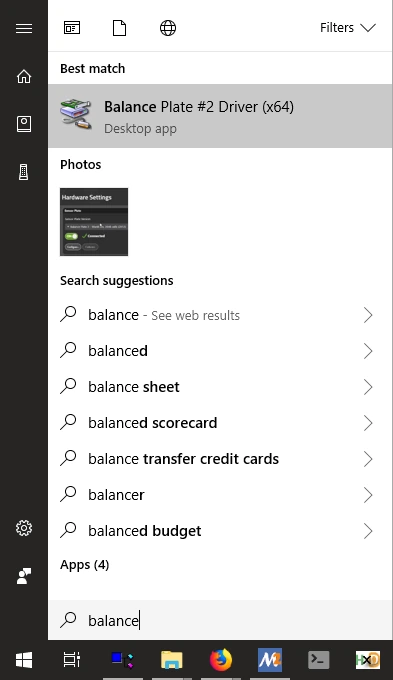
To reinstall the driver, download “Driver for Balance Plate Version 2 and 3” from https://www.swingcatalyst.com/drivers .
Running the calibration utility
If asked to install drivers, click yes.
Connect the Balance Plate to the computer.
Open the newly installed SE Utility
Select a camera or webcam and focus it on the Balance Plate.